
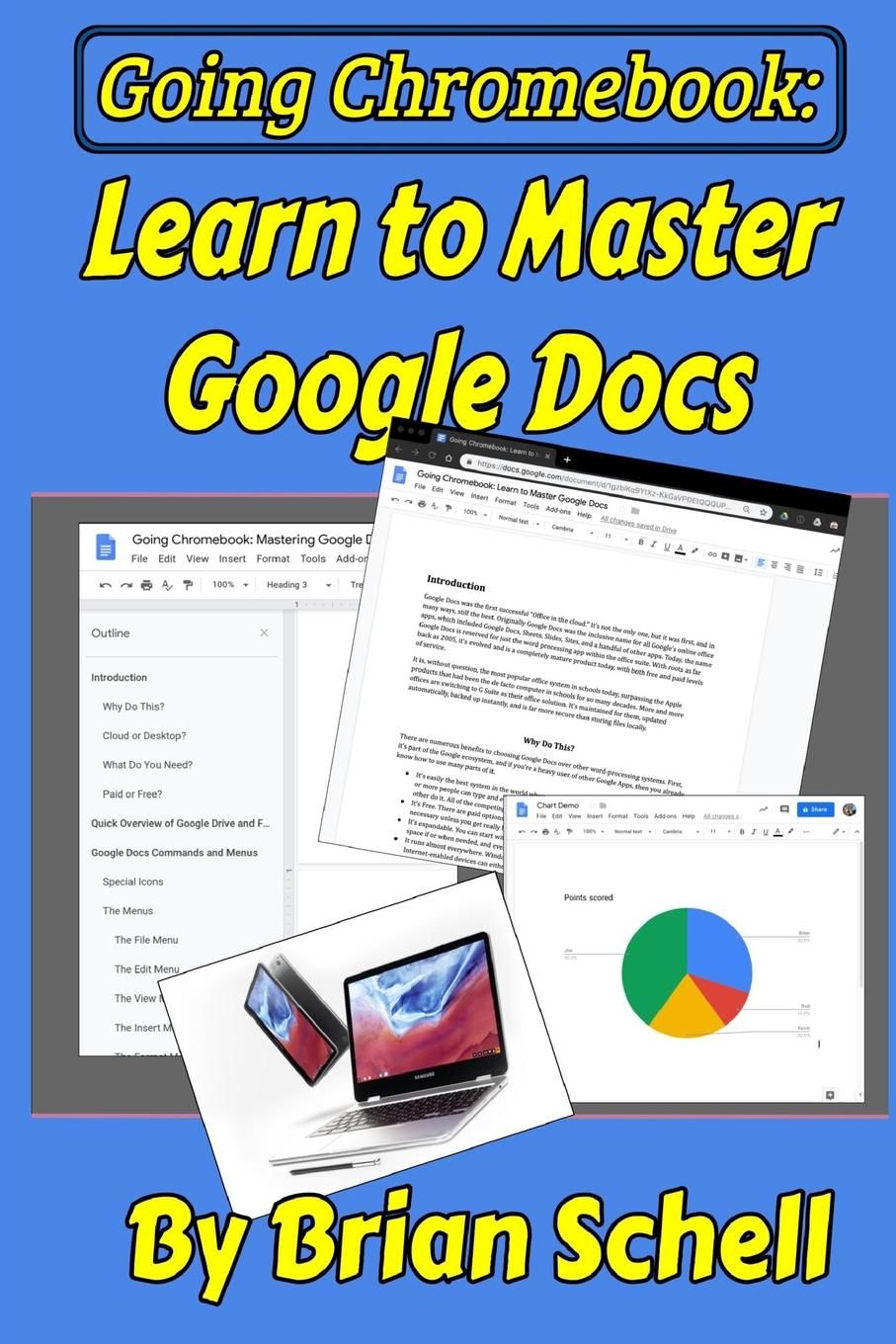
Going Chromebook: Learn to Master Google Docs Paperback - 2019
by Brian Schell
- New
- Paperback
A$20.34
A$15.46
Delivery to USA
Standard delivery: 7 to 12 days
More delivery options
Standard delivery: 7 to 12 days
Ships from Ria Christie Collections (Greater London, United Kingdom)
Details
- Title Going Chromebook: Learn to Master Google Docs
- Author Brian Schell
- Binding Paperback
- Condition New
- Pages 102
- Volumes 1
- Language ENG
- Publisher Independently Published
- Publication date 2019-05-03
- Bookseller's Inventory # ria9781096752363_inp
- ISBN 9781096752363 / 1096752360
- Weight 0.32 lbs (0.15 kg)
- Dimensions 9 x 6 x 0.21 in (22.86 x 15.24 x 0.53 cm)
- Category Computers - General Information
- Quantity available 413
About Ria Christie Collections Greater London, United Kingdom
Biblio member since 2014
Hello We are professional online booksellers. We sell mostly new books and textbooks and we do our best to provide a competitive price. We are based in Greater London, UK. We pride ourselves by providing a good customer service throughout, shipping the items quickly and replying to customer queries promptly. Ria Christie Collections
30 day return guarantee, with full refund including original shipping costs for up to 30 days after delivery if an item arrives misdescribed or damaged.
Reader reviews for Going Chromebook: Learn to Master Google Docs
Write a review for this book
Important Terms and Guidelines
- Please focus on the book’s content and context. Also, add any personal comments as to how you enjoyed the book. Substantiate your likes and dislikes. You may make comparisons to other books.
- Reviews must be at least 140 characters in length.
- Please do not reveal critical plot elements.
- This is not a help line. Contact customer support if you need help.
Your review must not include:
- Obscenities, discriminatory language, or other insulting language not suitable for public domain
- Advertisements, “spam” content, or references to other products, offers or websites.
- Email addresses, URLs, phone numbers, physical addresses or other contact information.
- Overly critical comments about other reviews or reviewers
- Time-sensitive material (i.e. promotional tours, seminars, lectures, etc.)
- Availability, price, or alternative ordering/shipping information

