BIBLIO is the largest independent book marketplace in the world, with over 100 million books.

Skip to content

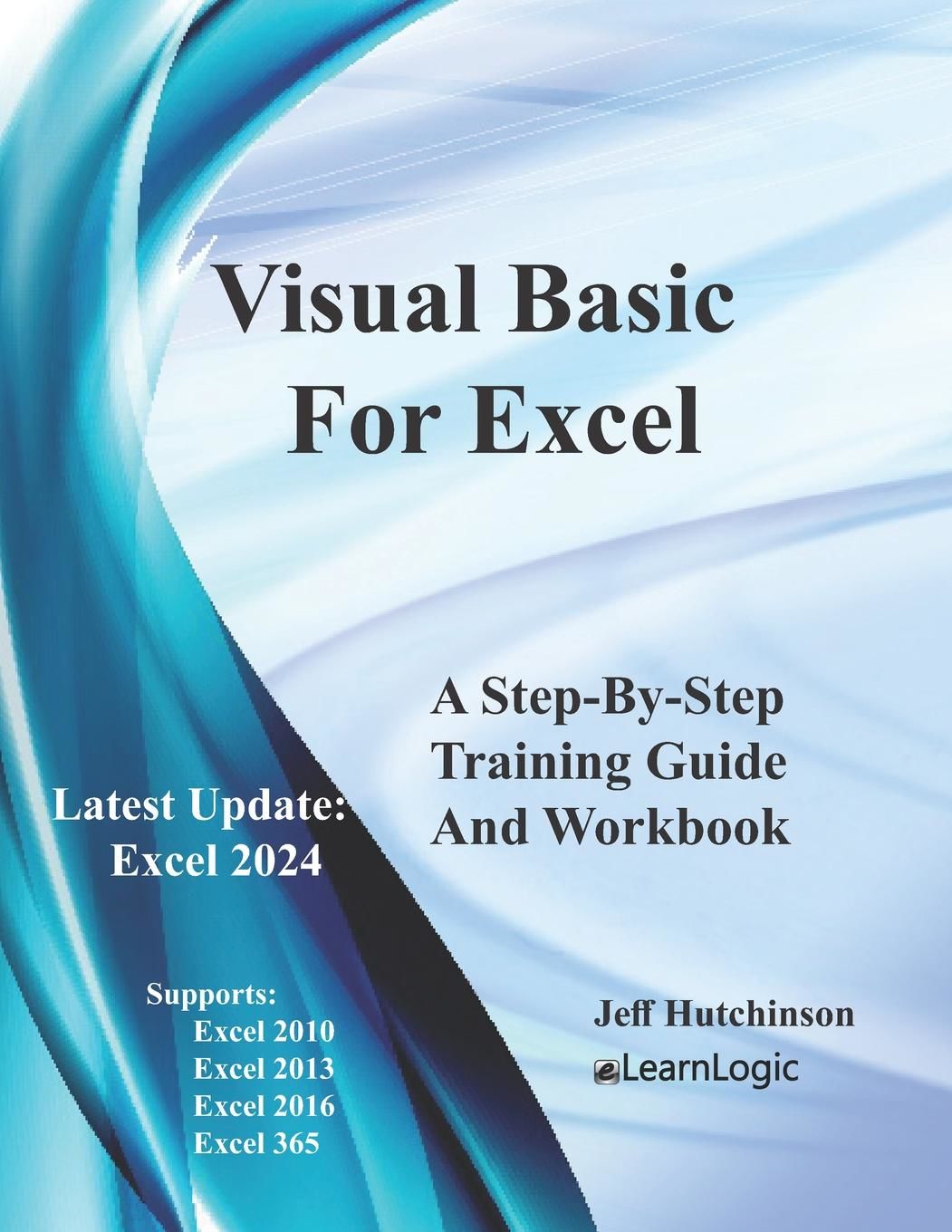
Visual Basic For Excel: Supports 2010, 2013, 2016, and 365

Visual Basic For Excel: Supports 2010, 2013, 2016, and 365

Visual Basic For Excel: Supports 2010, 2013, 2016, and 365 Paperback - 2021

by Jeff Hutchinson

Add to wish list
  • New
  • Paperback
New

Description

Paperback. New. New Book; Fast Shipping from UK; Not signed; Not First Edition; Excel Visual Basic is a programming tool used to enhance the capability of Excel and requires advanced skills to use it effectively. Visual Basic will help to automate repeating operations and redundant tasks. Once you understand how to
Ask the seller a question Add to wish list
A$31.15
A$15.30 Delivery to USA
Standard delivery: 7 to 12 days
More delivery options
Ships from Ria Christie Collections (Greater London, United Kingdom)

Details

  • Title Visual Basic For Excel: Supports 2010, 2013, 2016, and 365
  • Author Jeff Hutchinson
  • Binding Paperback
  • Condition New
  • Pages 262
  • Volumes 1
  • Language ENG
  • Publisher Independently Published
  • Publication date 2021-10-08
  • Bookseller's Inventory # ria9798491450619_inp
  • ISBN 9798491450619
  • Weight 1.35 lbs (0.61 kg)
  • Dimensions 11 x 8.5 x 0.55 in (27.94 x 21.59 x 1.40 cm)
  • Category Computers - Spreadsheets
  • Quantity available 672

About Ria Christie Collections Greater London, United Kingdom

Biblio member since 2014

Hello We are professional online booksellers. We sell mostly new books and textbooks and we do our best to provide a competitive price. We are based in Greater London, UK. We pride ourselves by providing a good customer service throughout, shipping the items quickly and replying to customer queries promptly. Ria Christie Collections

Terms of Sale:

30 day return guarantee, with full refund including original shipping costs for up to 30 days after delivery if an item arrives misdescribed or damaged.

Browse books from Ria Christie Collections

Reader reviews for Visual Basic For Excel: Supports 2010, 2013, 2016, and 365

From the publisher

Excel Visual Basic is a programming tool used to enhance the capability of Excel and requires advanced skills to use it effectively. Visual Basic will help to automate repeating operations and redundant tasks. Once you understand how to use Excel VBA, you'll be able to apply your VBA programming knowledge to other MS Office products, including Microsoft Word and Access.
Obtain Your PDF Copy and Video Course
This workbook includes an Online Recorded Video course and PDF Download. Refer to the Workbook Introduction for instructions on where to send an Amazon receipt.

This Workbook supports Excel 2010, 2013, and 2016 because the VBA commands are very similar. However, some commands function differently between Excel versions, and many of these will be noted in the courseware. Also, you will be able to create VB code and run routines that are not possible using standard Excel commands.

This Workbook will employ the Visual Basic Application (VBA) programming language that is built into Excel. Students will begin by starting the command Recorder, performing a series of commands or operations in Excel, stopping the recorder, and then running the recording to see if it operates. These Macros are stored in the Visual Basic Editor and can be edited to troubleshoot problems. The Visual Basic programming commands are included in the Macro recording, but there are hundreds of other coding commands that can accomplish fantastic results, as well. Code can also be written to open display message boxes to status the end of a routine; Input Boxes can allow you to prompt for information needed, and there are Worksheet and Workbook commands to create and manipulate information automatically. Visual Basic is designed to go beyond the capabilities of Excel and can replace a long process, completing a task in minutes.

The following are the major topics to be covered:
  • Excel Macros - These can be recorded, stored, and run to automate many tasks.
  • Visual Basic Editor - Here, we will cover the editing, debugging, and storage locations of VB code.
  • Cell Manipulation - Excel is made up of many cells and here we will review cell manipulation capabilities. This is an extremely important chapter because these commands are very often used.
  • Formatting Techniques - Although Recording Macros would be the best approach to Format Cells, there are many additional Visual Basic formatting tools to understand.
  • Variables - These are great methods to help remember specific items for use at a later time.
  • "If" Logic - This will be covered to help automate decisions and provide the logic necessary to make adjustments.
  • Message and Input Boxes - These tools are methods to provide Input Boxes in a popup window with results being stored in a cell.
  • Loops - This will provide the logic to repeat steps in multiple cells.
  • Worksheet and Workbook - This will allow access to data from multiple worksheets. The use of these functions will automate the overall efficiency of a project.
  • Functions - There are many more advanced programming techniques that can create more efficient code.

What's in the Workbook? Click on the left side of the screen: Look Inside!
Enter one of the following keywords: VB, Programming, VBA, Variables, Forms, etc.
tracking-